Install
Use a small, controlled test to understand the workflow.
There is no sales form or hidden setup shortcut. Copy the command, run it where your team can inspect it, configure only the permissions you intend to use, then review a first result against a known business account.
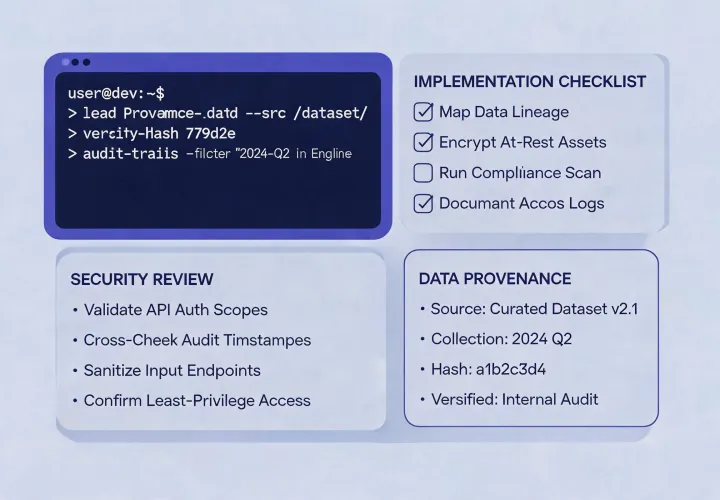
Before you run it
- Choose a supported terminal and agent environment owned by your team.
- Review package prompts, permissions, network behavior, and update practices locally.
- Keep API keys in environment secrets, never in prompts or shared documents.
- Start with a known account and a written review checklist.
For technical questions, use your organization’s approved support and security channels. This site does not collect prospecting inquiries.
Installation command
Copy the exact command
npx -y @okki-global/okki-go-taroball- Copy: the button only copies the text to your clipboard.
- Run: execute it in a controlled environment and read the output.
- Configure: add scoped credentials and document allowed data use.
- Review: check provenance, freshness, and policy before outreach.
Keep the evaluation narrow at first. Compare the result with an account your team already understands, note any ambiguous status, and decide whether the runtime behavior satisfies internal security and RevOps expectations. A copied command never replaces that operating review.
Review Security & Data guidanceInstallation is the beginning of evaluation, not the end of it.
Keep human approval in the loop as the workflow moves from research to any downstream sales action.